Digital Content That Connects with Older Readers

If you are trying to develop a content marketing strategy, you’ve no doubt explored the idea of utilizing guides, e-books, and checklists inside your organization's blogs and newsletters. These are good resources for attracting attention and even building your membership. Given the breadth of talent on staff at many community organizations, you probably have a wide range of experts available to contribute as well!
While you might need to hire a professional writer or designer to execute your ideas, the investment is probably worth it, especially if you select an evergreen topic for your resource. The term evergreen means that people will be able to use the content for months and possibly even longer. Read on the learn more about digital content and what to create.
Should my Digital Content be Gated or Ungated?
Should content be gated or ungated is one of the first issues you’ll want to tackle. For each incentive or resource you create, you will ask people to perform a different action to gain access.
You might want a quick checklist to be ungated, meaning a website visitor doesn’t have to enter their email address to download it. The next step up might be a short guide or a more comprehensive checklist that requires an email address. Finally, a long guide or e-book might require a name, email address, and possibly even a phone number.
Once you determine what audience you are trying to attract — new visitors, return visitors, or frequent flyers — you can better focus your content.
Content Ideas to Engage an Older Audience
When your goal is to attract and build engagement with seniors, you’ll want to keep a few factors in mind:
- Watch your language: People don’t necessarily think of themselves as old or frail at any age. That’s why it’s important to watch the language you use in your content. It’s usually best to adopt a young-at-heart voice.
- Skip the slang and jargon: Whether it’s tech speak or trendy slang, unfamiliar terms and phrases can easily turn people off. Consider having a few people in your target age group review anything you write before publishing it.
- Ensure easy navigation: While it’s a misperception that older adults aren’t able to use technology, most are looking for websites that are easy and straightforward. Be sure your site’s navigation isn’t overly complicated.
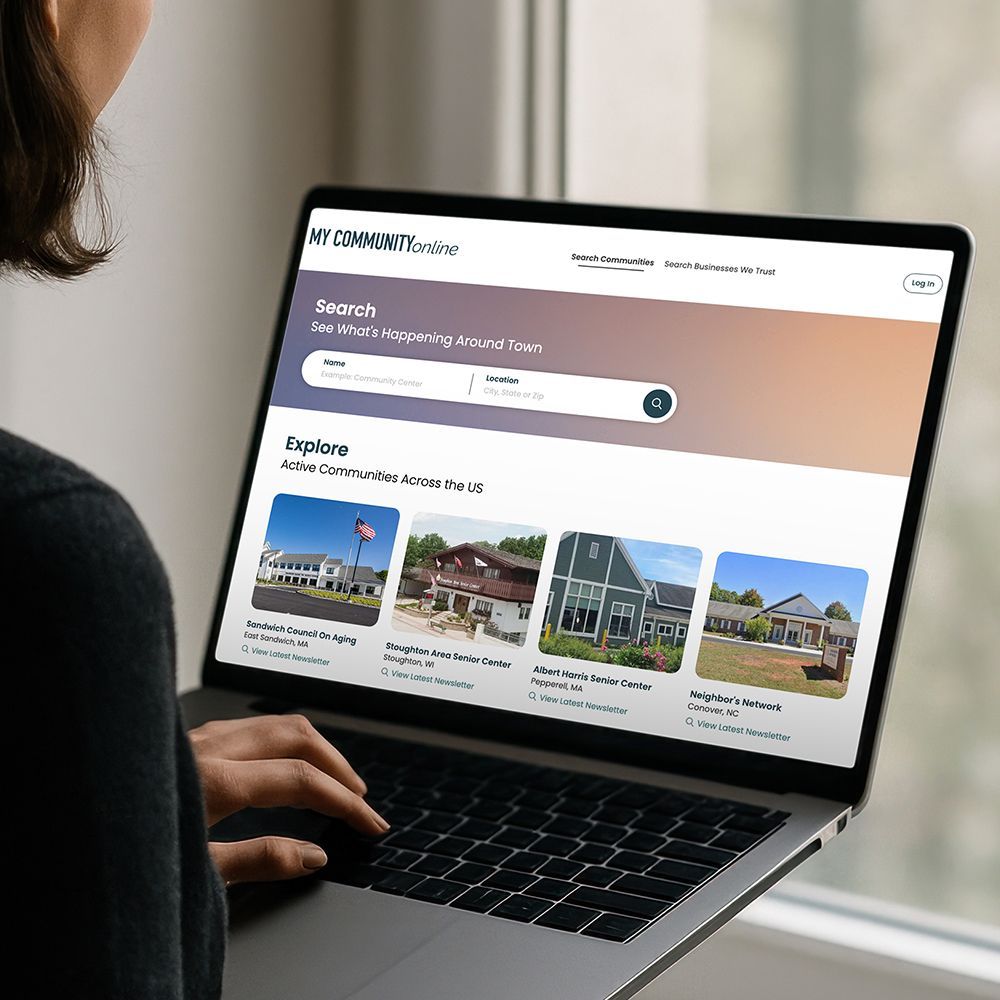
- Create visual appeal: You’ll want to make certain your design is friendly to older eyes. Large fonts, contrasting colors, and lots of white space are musts for senior website visitors. We have you covered when it comes to graphics, stock photography, and articles already optimized and ready to drop in to your content with WeCreate!
The above tips apply to both your website and any guides or e-books you create.
Topic Ideas That Attract Senior Citizens
While older adults are usually interested in the same topics as younger adults, there are some guides and checklists that tend to be especially attractive to a senior audience. Here are a few ideas you might consider as part of your overall content marketing strategy:
- Older driver safety tips and courses, best cars for seniors, and adaptive driving aids
- Healthy menu planning for one or two, and how nutritional needs change with age
- Senior-friendly fitness activities, both indoors and outdoors
- Intergenerational activities and suggestions for entertaining the grandkids
- How to find a doctor who has experience working with senior patients
- What Medicare does and doesn’t cover and what secondary insurance is
- Businesses that offer senior discounts
- Health screenings to discuss with your doctor at every age
- Making new friends and rebuilding your social circle after retiring
- Safety tips for older adults returning to the dating scene
We hope this information helps you create content that attracts and engages the senior audience you desire.
Updated on 11-11-2025
Share
You might also like